What the Security Rule asks of you
The Security Rule (45 CFR Part 164, Subpart C) requires covered entities and business associates to protect the confidentiality, integrity and availability of ePHI with administrative, physical and technical safeguards. Its security awareness and training standard (164.308(a)(5)) names four topics every workforce member should know: security reminders, protection from malicious software, log-in monitoring and password management.
Status check: HHS proposed a major update to the Security Rule in January 2025. As of November 2026 it is not final, so the current rule applies.
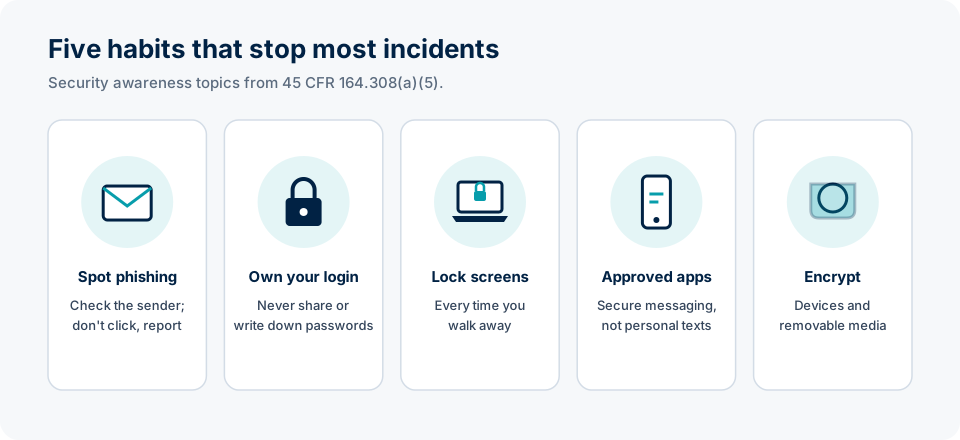
1. Phishing and malware
- Check the actual sender address, not just the display name.
- Be suspicious of urgency (“your account closes in 1 hour”), unexpected attachments and login pages reached from an email.
- Don't plug in unknown USB drives.
- Report suspicious messages with your organization's report button or to IT. Reporting fast protects everyone, even if you already clicked.
2. Your credentials
Access is tracked to your user ID, and audit logs show who opened which chart and when. Never share your password or let someone work under your login, use a long passphrase, and use multifactor authentication.
3. Workstations and paper
- Lock the screen when you step away (Windows key + L; Control + Command + Q on a Mac).
- Turn screens away from public view.
- Pick up printouts right away; shred PHI in locked bins, never the regular trash.
4. Phones, texting and email
HIPAA doesn't ban texting, but organizations set rules for it. Use the secure messaging app your hospital approves. Don't send PHI to personal email or store patient photos on your personal phone's camera roll.
5. Encryption and lost devices
A lost laptop or phone is one of the most common breach causes. Encryption matters: PHI that is encrypted to HHS's guidance is not “unsecured,” so its loss usually doesn't trigger breach notification. Report a lost or stolen device immediately.
Key terms · tap to flip
Check your understanding
Knowledge check
Pick an answer to see the explanation. Get them all right to complete the lesson.
Part of the free MedRise HIPAA Privacy & Security Training. Built on the HIPAA Privacy, Security and Breach Notification Rules (45 CFR Parts 160 and 164).